

A customer reaches checkout, enters payment details, and pauses. That short moment can decide whether the order is completed or abandoned. How Set Electronic Payment for an online store is therefore a business, security, and customer-experience decision, not a box to tick after the storefront is finished.
Start with a clear payment flow. Decide who collects card data, which methods customers can use, what the order confirmation looks like, and who handles failed payments or refunds. Then choose a provider and an integration pattern that matches the store, the market, and the team’s ability to maintain it.
How Set Electronic Payment: Choose the Payment Flow First

The first decision is the checkout architecture. A hosted payment page sends the buyer to a provider-controlled page. An embedded payment component keeps the payment step within the store page. A direct API implementation gives the business more control, but it also creates more technical and security responsibilities.
X-Kaizen team is ready to help. Chat with us on WhatsApp for a free consultation.
Hosted and provider-managed options can reduce the amount of sensitive payment handling inside the store. They still need careful configuration, branding review, success and failure routes, and testing. The PCI Security Standards Council explains that PCI DSS sets technical and operational requirements for entities involved in payment-card processing, including merchants and service providers. See the PCI DSS overview before defining the compliance path with your acquirer or provider.
Use How Set Electronic Payment as a planning question: where does card data enter, which systems receive payment events, and who can change the configuration? A written answer makes the later implementation easier to test and explain.
Payment Methods for Online Stores
Customers do not all expect the same payment method. The right mix depends on the country, currency, customer type, product category, and the provider’s supported methods. Begin with the methods your actual customers request and the methods your selected provider can support in the relevant market.
- Cards: A common option for many online stores, subject to provider and market availability.
- Digital wallets: Useful when customers already use a supported wallet on their device.
- Local methods: Important where customers expect domestic cards, bank options, or regional wallets.
- Bank transfer or invoice: Often relevant for business orders, custom work, or higher-value purchases.
- Cash on delivery: A business choice that needs clear fulfillment, return, and reconciliation processes.
- Installment options: Only add these after reviewing eligibility, terms, settlement timing, and customer communication.
A long list of logos does not automatically improve checkout. Show only methods that are available for the order, the customer location, and the chosen currency. In addition, explain any extra step before the customer reaches the final confirmation button.
Online Store Payment Gateway Selection
For a merchant asking “How Set Electronic Payment,” provider selection starts with the parts that affect the store’s daily work. Check supported countries and currencies, settlement process, refund tools, dispute handling, developer documentation, platform compatibility, customer support, and the exact payment methods available to the business. Read the provider agreement and pricing schedule rather than relying on a comparison post that may be outdated.
Also ask how the provider handles webhooks, failed events, account access, and test credentials. The business should know who owns the provider account and where recovery access is stored. In our X-Kaizen work, unclear ownership is a common reason a small change becomes a delayed launch task.
A good choice fits the actual store. A business selling a few services may prefer a simple hosted payment link. A catalog with recurring orders, multiple currencies, or custom order rules may need a deeper payment gateway integration. The implementation should follow the transaction model, not the other way around.
Secure Card Payment Processing
How Set Electronic Payment safely depends on keeping raw card data out of the store whenever the selected payment solution allows it. Use the provider’s approved checkout components, keep secret keys on the server, and never place private credentials in page code, browser storage, public repositories, or marketing tools.
Payment-page security also includes the scripts that load in the browser. The PCI Security Standards Council has published guidance on protecting payment pages from unauthorized script changes and monitoring for tampering. Review its payment page security guidance with the team responsible for the store and hosting environment.
For third-party integrations, validate payment status on the server with the provider’s documented process. Do not mark an order as paid solely because a browser returned to a success page. The OWASP payment gateway integration guidance is a useful reference for keeping the application and provider flow separate.
Ecommerce Checkout Setup That Reduces Friction
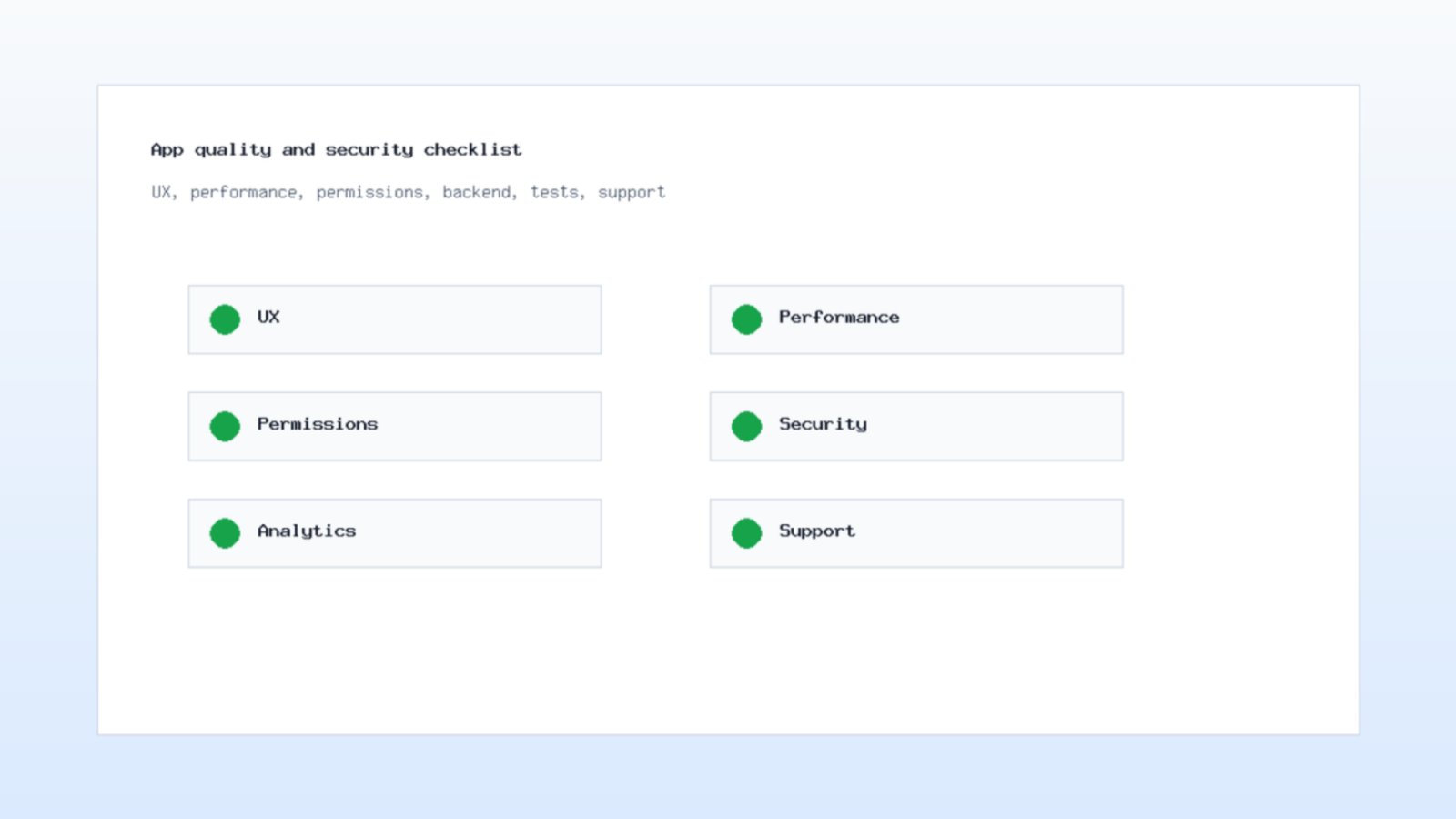
How Set Electronic Payment should be visible in the checkout design before the payment form appears. Ecommerce checkout setup begins before the payment form. The product page should show the price, currency, delivery expectation, and any important eligibility conditions. The cart should preserve the selected items and make changes easy. The checkout should ask only for information needed to fulfill the order and process the payment.
Keep the order summary visible. Use clear field labels and real validation messages. If a payment fails, explain what the customer can do next without exposing technical details. For example, they may try another supported method, confirm details with their bank, or contact support with an order reference.
Mobile testing matters here. Check that the keyboard, wallet prompt, redirect, return page, and confirmation email work on a phone as well as on a desktop. A payment flow can pass a technical test while still being confusing for a customer trying to complete an order between other tasks.
How Set Electronic Payment for a Small Store
For a small store, start with the least complex route that meets customer and operational needs. Create the provider account in the business name, confirm verification requirements, connect a test environment, and map the order states before taking a live payment. Avoid custom code until the store has a reason that a supported extension or hosted flow cannot meet.
- Document the products, currencies, customer locations, and payment methods needed at launch.
- Select a provider after reviewing coverage, account ownership, support, and settlement terms.
- Connect the store in test mode and use test payment scenarios supplied by the provider.
- Configure success, cancellation, and failure destinations with clear customer messages.
- Set server-side payment-event handling and order-state rules.
- Run test orders, refunds, cancellations, and notification checks before enabling live payments.
This is where How Set Electronic Payment becomes practical. The goal is not the fastest installation. The goal is a payment path that staff can support after the first customer asks for help.
Payment Gateway Integration and Order States
A payment event and an order are related, but they are not the same thing. Define the order states before development begins: pending payment, paid, failed, canceled, refunded, on hold, and fulfilled. The exact names may differ by platform, yet the team should agree on the meaning of each state.
Webhooks or other server-to-server events may arrive more than once or arrive after a customer has left the checkout page. Therefore, the integration needs idempotent handling, event logging, and a way to review exceptions. Store a provider transaction reference where support staff can find it, but do not store card details.
When a payment is delayed or disputed, the support team needs a reliable view of what happened. Connect the order record, payment reference, fulfillment status, and customer communication. This makes it easier to avoid shipping an unpaid order or telling a customer that payment failed when it later succeeded.
Test Success, Failure, and Refund Paths

How Set Electronic Payment must include testing the happy path, then the cases customers will see when something goes wrong. Use the provider’s test credentials or sandbox tools. Do not use real card data for a development check.
- A successful payment creates the correct order state and confirmation message.
- A canceled payment returns the customer to a helpful page without duplicating the order.
- A declined payment keeps the cart intact and offers a next action.
- A delayed or pending event is visible to staff without marking the order as fulfilled.
- A refund follows the documented approval and communication process.
- A duplicate webhook or retry does not create a second payment record or a second order.
Next, test the notifications. Check customer emails, internal alerts, inventory updates, invoices, and analytics events. If a person cannot explain what happens after a payment event, the implementation is not ready for live traffic.
Operations, Refunds, and Customer Support
How Set Electronic Payment also covers the work after checkout. Electronic payment does not end at checkout. Staff need a clear routine for reconciling orders, reviewing provider reports, handling refunds, and responding to payment questions. Write down who can approve refunds, who can access the provider dashboard, and who receives alerts when a transaction needs review.
Use plain language in customer communications. Confirm the order, state the payment status, and explain what happens next. If a refund is requested, tell the customer which order is being reviewed and where they will receive the result. Do not promise a bank-processing timeline that the business cannot control.
Work with Kaizen's digital marketing and advertising specialists to maximize your ROI.
For stores with custom processes, subscriptions, or integrations, X-Kaizen can connect the storefront design with e-commerce design and web design services. The payment flow should fit the customer journey, fulfillment process, and support workflow as one system.
Monitor the Checkout After Launch

After launch, watch the path from cart to confirmation. Review completed orders, failed attempts, canceled payments, support requests, payment-method use, and any provider alerts. Compare this information with the store’s own order records before changing the checkout.
Look for repeated patterns. If customers leave at the same field, the store may need clearer instructions. If one method creates more support cases, review its availability, messaging, and provider configuration. However, avoid drawing a conclusion from a single unusual order.
Regular updates matter too. Keep the store platform, extensions, server environment, and payment integration supported. Restrict administrative access, review connected apps, and remove unused credentials. How Set Electronic Payment is an ongoing operational responsibility, not a one-time project milestone.
Frequently Asked Questions
Which payment integration should a new store choose?
Choose the least complex supported route that matches the business market, customer payment methods, platform, and operational needs. A hosted or provider-managed checkout is often a practical starting point, but confirm the provider terms and requirements for the specific business.
Should an online store store card data?
Avoid storing raw card data in the store unless the business has a documented reason and the required security controls. Use the payment provider’s approved tools and confirm the compliance path with the provider and acquirer.
How should payment success be verified?
Verify the payment on the server using the provider’s documented event or API flow. A customer return page is useful for communication, but it should not be the only signal that marks an order as paid.
What should happen when payment fails?
Keep the cart intact, give the customer a clear next action, and record the payment state for support. Do not expose private technical information in the message.
Can X-Kaizen help with online-store payment setup?
Yes. X-Kaizen can plan the checkout flow, build or improve the store interface, connect a supported payment provider, test order states, and prepare the customer-facing messages around payment and fulfillment.
Launch a Payment Flow Customers Can Trust
How Set Electronic Payment is best answered with a documented payment path, a provider that fits the market, clear order states, server-side verification, and tested support procedures. Start with the simplest secure route, then expand payment options only when the store can operate them well.
Need help turning the plan into a working checkout? Contact X-Kaizen for e-commerce design and implementation support. Share the store platform, target markets, order model, and preferred payment methods so the team can build and test a payment experience that fits the business.


Comments (0)