
A hungry customer gives you about ten seconds. If the menu loads slowly, the address feels hard, or payment fails, the order goes to another app. How Build Food Delivery is really a question about trust: can your product take an order, route it, update every party, and recover cleanly when something changes? For founders, How Build Food Delivery should become a checklist for operations, not just a search phrase.
That is why a food delivery platform needs more than screens. It needs a clear operating model, a stable order flow, accurate location data, fast support tools, and a launch plan that matches the restaurants and delivery zones you can actually serve.
How Build Food Delivery App Planning

Start with the market you can control. A single city, two cuisine categories, and a limited delivery radius often beat a broad launch with weak coverage. However, the app must still be designed for growth from day one.
Contact us for a free, comprehensive SEO audit to spot technical issues and boost search ranking.
Map the core users first: customers, restaurants, drivers, and admins. Each group needs a different interface. Customers need search, menus, offers, payment, tracking, and help. Restaurants need order acceptance, preparation time controls, menu edits, stock status, and payout reports. Drivers need route details, pickup notes, proof of delivery, and clear earnings. Admins need oversight, refunds, commissions, fraud checks, and support logs.
Your business model shapes every feature. A marketplace earns commission from restaurants and may add delivery fees. Meanwhile, a restaurant chain app focuses on loyalty, direct ordering, and lower aggregator costs. A dark kitchen platform needs menu experiments, branch routing, and demand reporting. Therefore, decide which model you are building and which costs must be visible in the dashboard before writing code.
Food Delivery App Development Scope
Food delivery app development should be scoped as a platform, not a single mobile app. At minimum, plan a customer app, a restaurant portal, a driver app, and an admin dashboard. In addition, you need backend services for orders, payments, notifications, maps, promotions, ratings, and analytics. An on-demand delivery app also needs service zones, live availability, and clear fallback rules when demand spikes.
X-Kaizen usually starts this type of project with product mapping and interface flows through mobile app design services. That planning step prevents expensive rework because the restaurant screen, driver workflow, and admin actions are tested before development begins.
Use an MVP, but do not confuse MVP with a fragile product. The first release can skip subscriptions, advanced loyalty, and complex ad placements. Still, it must handle order status changes, cancelled items, late drivers, failed payment attempts, wrong addresses, and restaurant closing times.
Delivery App Features That Protect Orders
Strong delivery app features reduce support tickets. The customer side should include account login, location selection, restaurant browsing, menu modifiers, cart rules, checkout, order tracking, push alerts, ratings, and support chat or ticketing. The app should also show service fees and expected delivery time before checkout.
Restaurant-side tools need speed. A busy kitchen cannot fight a complex dashboard during lunch. Give staff large accept and reject actions, sound alerts, preparation time options, unavailable item toggles, and simple sales reports. As a result, restaurants can keep orders accurate without calling support for every menu change.
Driver workflows need fewer taps. It should show pickup, drop-off, route, customer notes, payment type, and delivery proof in one clear flow. For route and fleet use cases, Google Maps Platform describes transportation and logistics tools for location data, routing, and fleet visibility in its transportation and logistics resources.
Food Ordering App Design and Checkout Flow

Food ordering app design decides whether users finish checkout. Keep restaurant cards scannable. Show delivery fee, minimum order, rating, distance, cuisine, and estimated time before users open a menu. Then make modifiers clear. Size, spice level, toppings, sides, and notes should not break the cart.
Checkout should ask for the fewest details possible. Saved addresses, clear map pins, coupon validation, wallet options, and payment status reduce friction. If the address is outside the delivery zone, tell the user early. If a restaurant is closing soon, block impossible delivery slots before payment.
Good interface work also helps restaurants. X-Kaizen connects app planning with UI/UX design so the customer app, driver app, and admin panels feel consistent. This matters because delivery teams switch between screens all day.
Technology Stack for a Restaurant Delivery App
A restaurant delivery app can be built with native iOS and Android or a cross-platform framework. Native development gives deep device control. Cross-platform development can reduce delivery time for early releases. The better choice depends on budget, performance needs, team skills, and expected scale.
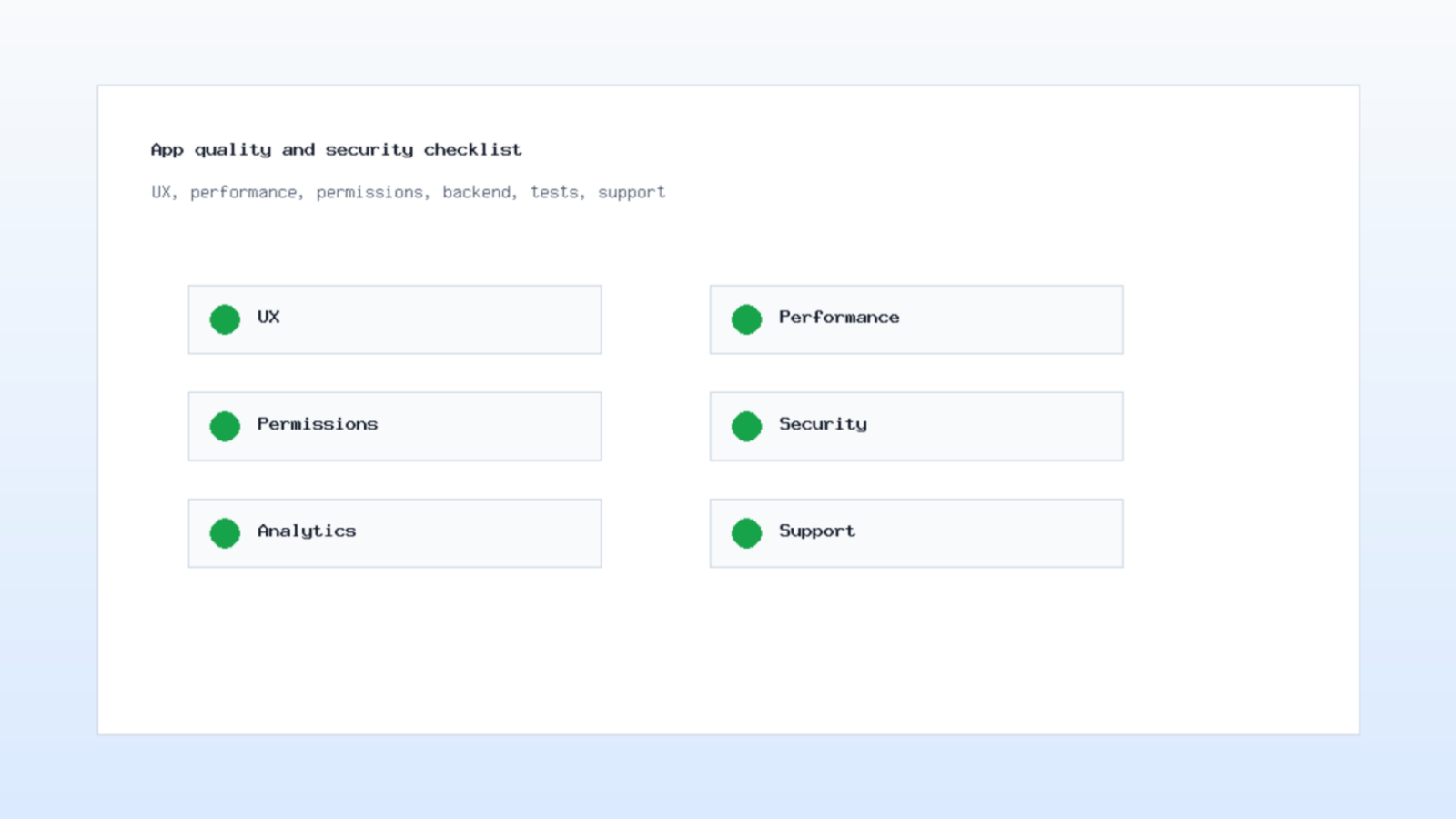
The backend should manage users, menus, restaurants, carts, orders, drivers, zones, payments, coupons, notifications, and reports. Also, use role permissions from the beginning. A restaurant manager should not see platform-wide revenue, and a support agent should not change payout settings without approval.
Notifications need special care. Customers expect alerts for accepted orders, preparation, pickup, delay, and delivery. Firebase Cloud Messaging is documented by Google as a cross-platform messaging solution for app notifications and data messages; its official Firebase Cloud Messaging documentation is a useful reference for planning this layer.
Payments need the same attention. Marketplace platforms often need split payments, restaurant payouts, refunds, and dispute handling. Stripe Connect documentation explains payment flows for platforms and marketplaces in the official Stripe Connect docs. Even if you use another provider, define the money flow before development starts.
Discuss your project idea with our technical consultants to ensure premium implementation.
How Build Food Delivery Launch Phases
The first phase should prove order reliability. Launch with a small restaurant group, a clear support process, and a limited delivery radius. Track failed payments, abandoned carts, late pickups, cancelled orders, refund reasons, and driver idle time. These numbers show whether the product is ready for wider coverage.
Next, improve supply. Add restaurant onboarding, menu photography standards, offer rules, and payout transparency. In parallel, improve demand with landing pages, app store assets, campaign tracking, and referral flows. X-Kaizen can connect this with e-commerce design thinking because ordering, checkout, offers, and repeat purchase behavior follow many of the same conversion rules.
Finally, prepare scale. Add branch routing, driver batching, customer segmentation, loyalty tiers, and advanced reporting only after the base flow is stable. Otherwise, new features make weak operations harder to diagnose.
Costs, Timeline, and Practical Tradeoffs
Costs depend on scope. A basic restaurant ordering app is smaller than a multi-vendor marketplace with driver assignment and live tracking. A realistic estimate should separate product discovery, UX design, mobile development, backend development, admin dashboards, testing, launch support, and monthly maintenance. In practice, How Build Food Delivery decisions become clearer when each feature is tied to a launch phase and a measurable business risk.
Timeline also depends on the release strategy. A focused MVP may take a few months. A full marketplace with restaurant tools, driver operations, promotions, analytics, and payout logic takes longer. Therefore, ask vendors for a phased roadmap, not one vague total.
If your market is Mauritania or a similar local market, review local expectations around payment methods, delivery zones, and restaurant onboarding. X-Kaizen has also covered local market context in its guide to the best food delivery app in Mauritania.
How X-Kaizen Builds Food Delivery Products
X-Kaizen can help you plan, design, build, and improve a delivery product from the first workflow to launch analytics. First, the team starts with the commercial goal. Then it turns that goal into user flows, interface screens, backend modules, integrations, and measurable launch tasks.
If you want How Build Food Delivery guidance for a real business, the next step is a focused product session. Bring your target city, restaurant model, payment needs, and budget range. X-Kaizen can turn that into a practical roadmap with the right MVP, the right integrations, and a clear path to growth.


Comments (0)