

A visitor can like a product, understand a service, and still leave without taking action. The difference often sits in the path between the first page and checkout or booking. Create Website Sell Products is therefore a practical question about what customers need to see, choose, pay for, and receive after they decide.
Start with the offer before selecting software. Define what is being sold, who needs it, how the buyer chooses an option, what happens after payment, and who supports the order. Those decisions shape the catalog, checkout, delivery process, and marketing plan.
Create Website Sell Products: Start With the Customer Task

Customers buy products and services in different ways. A product buyer may compare variants, check availability, review delivery details, and add items to a cart. A service buyer may need to understand the scope, check dates, submit information, and book a consultation. The website should make the relevant task easy before it tries to add more features.
Get professional logo and complete corporate identity designs to attract customers.
Write the core path in one sentence. For example: “Choose a product, confirm the delivery address, pay, and receive an order update.” Or: “Review the service, choose a time, share the project need, and receive a booking confirmation.” This prevents a store from becoming a collection of pages with no clear route to action.
Use Create Website Sell Products as a design test. Can a new visitor understand the offer, compare choices, trust the next step, and complete the action without needing to contact support for basic information?
Choose a Business Model Before the Platform
Create Website Sell Products decisions begin with the sales model and the features that matter. A small physical catalog needs inventory, product details, payments, delivery rules, and returns. A digital product needs file delivery, access control, customer emails, and support. A service business may need lead forms, booking, quotation, deposits, and staff availability.
- Physical products: catalog, stock, delivery, returns, and order notifications.
- Digital products: product pages, access rules, download or account delivery, and customer support.
- Services: clear scope, proof, booking or inquiry flow, scheduling, and follow-up.
- Mixed offers: a combined journey that keeps product checkout and service requests understandable.
Keep the first release focused. A store does not need every feature from day one. It needs a reliable path for the products or services it can actually fulfill, along with a process for answering customer questions.
Ecommerce Website Development and Platform Choice
Create Website Sell Products requires ecommerce website development that fits the operating model. A hosted platform may suit a team that needs a guided setup and provider-managed infrastructure. A content-management platform with commerce extensions may suit a business that needs control over content and a familiar editing workflow. A custom build may be appropriate when the order logic, integrations, or customer experience cannot be handled by supported tools.
Compare platforms using the questions that affect the business: Can the team manage products and pages? Does the platform support required payment and delivery methods? Can it connect to accounting, inventory, booking, or customer tools? How will updates, access, backups, and support be handled?
For a broad overview of commerce-store features, see Wuilt’s e-commerce platform page. Treat any platform as a starting point for evaluation, then test it against the products, customers, and operational process of the business.
Build an Online Store Product Catalog
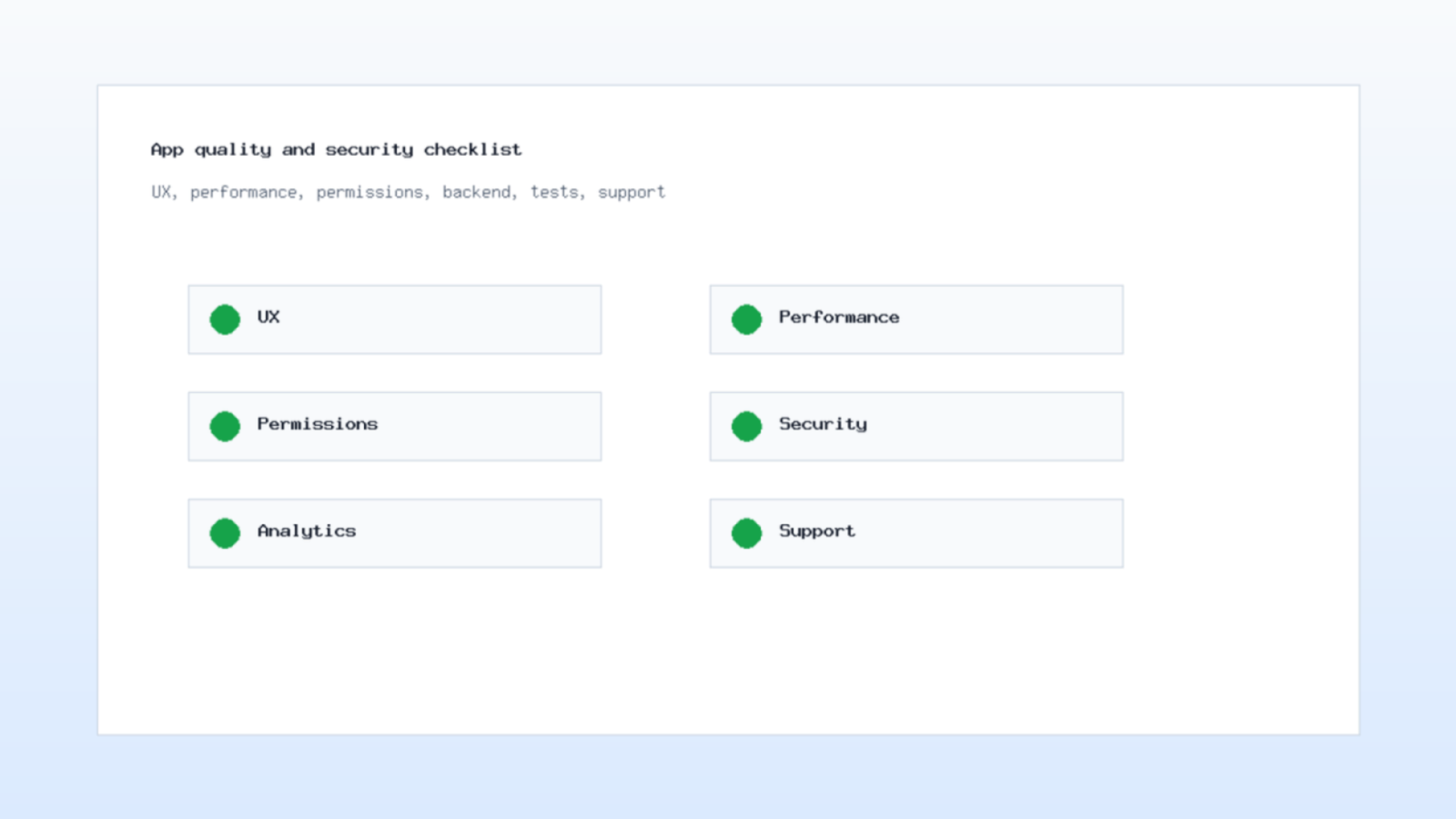
Create Website Sell Products needs an online store product catalog that helps people decide, not simply display inventory. Each product page needs a clear name, useful images, an explanation of what the buyer receives, price and currency, available options, delivery information, and a next action. Include only claims the business can support.
Organize products around how customers look for them. Categories, filters, and search should use terms that make sense to buyers. If customers compare size, material, compatibility, age range, service level, or delivery timing, present those details consistently so the choice does not require guesswork.
Images support the decision, but they cannot replace information. Add descriptive alt text, readable captions when helpful, and enough context for a visitor who cannot inspect the image closely. Then test the page on a phone, where product comparisons often need the clearest layout.
Service Booking Website Structure
A service booking website needs to answer a different set of questions: What problem does the service solve? What is included? Who delivers it? What does the customer need to prepare? How does the booking, quote, or consultation process work?
Put the service outcome near the top of the page. Follow it with the process, evidence, common questions, and a booking or inquiry action. If the price depends on the project, explain how the business scopes the work instead of placing an empty price field that creates uncertainty.
Use calendar availability only if the team can keep it accurate. Otherwise, a short request form or consultation route may be more reliable. A confirmation page and a human follow-up process are part of the service experience, not an afterthought.
Secure Online Checkout and Payments
Secure online checkout starts with a clear order summary and a payment route supported by the chosen provider. Show the customer what they are buying, the total cost, delivery or service conditions, and the next step before they submit payment details.
Use provider-approved payment tools and keep private credentials outside public page code. Verify payment events on the server according to the provider’s documentation. A browser return page can confirm that the customer has reached the next screen, but it should not be the only signal that changes an order to paid.
Offer the methods that fit the business and the market, then test successful payments, canceled payments, failed payments, refunds, and confirmation messages. This is another part of Create Website Sell Products: customers should know what happened without exposing technical error details or leaving the cart in an unclear state.
Product Pages, Service Pages, and Trust
People are more likely to continue when a page answers their reasonable doubts. Add the information that supports a decision: product specifications, service scope, delivery rules, returns, contact methods, privacy details, and evidence that the business can deliver what it offers.
Trust can come from clear policy pages, accurate photographs, useful FAQs, team information, approved reviews, and a consistent brand presentation. Avoid fake urgency, unsupported comparisons, or claims that a customer cannot verify. A direct explanation usually works better than a louder promise.
In our X-Kaizen work, we often see a store improve when the team writes down the five questions customers ask before buying. Those questions can become product details, service sections, FAQ items, or confirmation-message text that removes friction across the journey.
Operations After the Sale

Orders create work after checkout. Define who confirms the order, checks stock or availability, prepares fulfillment, responds to customer messages, and handles returns or changes. Make these responsibilities visible before launch, because an attractive storefront cannot compensate for a confusing after-sale process.
For physical products, connect the order state with inventory and delivery steps as far as the systems allow. For services, connect the order or booking with the calendar, intake details, and the person responsible for follow-up. Keep customer messages accurate and avoid promising a time or outcome that the team cannot control.
Create Website Sell Products works best when the store team can see the full sequence from payment or inquiry to completion. Review exceptions such as out-of-stock items, failed delivery, changed appointments, and refunds before customers encounter them.
Market the Store With Useful Content
To sell products online, marketing should bring the right visitors to the right page. Search-friendly product or service pages help people who are already looking for an answer. Social content can demonstrate use, answer questions, and introduce offers. Email and messaging can support follow-up when the customer has given permission.
Choose content that makes a buying decision easier. A retailer can publish a comparison guide, care instructions, or a selection checklist. A service business can explain preparation, project stages, or common questions. Link each piece to the relevant product, service, or booking page.
For channel ideas that can support a store plan, review Zid’s guide to e-marketing types. Then match the channel to the customer task and capacity of the business rather than using every available platform at once.
Let us turn your ideas into a stunning digital reality. Message us now!
Measure the Actions That Matter

Begin with the outcome the business needs: completed orders, qualified inquiries, booked consultations, repeat purchases, or product-return requests. Configure the store and analytics tools so the team can review those actions alongside traffic sources and landing pages.
Use a simple review routine. Check which pages attract visits, where customers leave, which products or services create questions, and which campaigns produce useful actions. Then change one part of the experience at a time, such as a headline, image, delivery explanation, form field, or call to action.
Create Website Sell Products becomes a repeatable process when the business records what changed and why. A smaller number of qualified orders or requests can be more useful than a large number of visitors who never reach the page that solves their problem.
Work With X-Kaizen on an Online Selling Website
X-Kaizen can help plan and build the customer path from discovery to purchase or booking. Our team connects e-commerce design, web design, payment flow planning, content, and measurement so the store supports a real operating process.
For a business that needs to Create Website Sell Products or services online, start with the offer, customer questions, and delivery model. Share those details with X-Kaizen, and the team can turn them into a clear storefront, usable checkout or booking flow, and a launch plan that the business can maintain.
Frequently Asked Questions
Which platform should I use to sell products or services?
Choose the platform that fits the offer, team skills, payment and delivery needs, integrations, and support capacity. Test a focused customer path before committing to a complex build.
What must a product page include?
Include a clear name, useful images, accurate details, price and currency, options, delivery or return information, and a direct action to add the item or ask a question.
Can one website sell both products and services?
Yes, if the paths remain clear. Separate product checkout from service booking or inquiries when customers need different information and actions.
How can I make checkout safer?
Use provider-approved payment tools, verify payment events on the server, keep private keys outside public code, and test success, failure, cancellation, and refund flows before launch.
Can X-Kaizen build an online selling website?
Yes. X-Kaizen can design and build the storefront, product and service pages, checkout or booking flow, content structure, and launch measurement plan.
Launch a Store Customers Can Use
Create Website Sell Products is not solved by a template alone. It requires a clear offer, accurate product or service information, a reliable checkout or booking path, and an operation that can fulfill what the website promises.
Start with one customer journey, test it from first visit to confirmation, and improve it with evidence. When you are ready to build or refine that journey, X-Kaizen can help create a selling website that supports customer action and day-to-day operations.



Comments (0)